
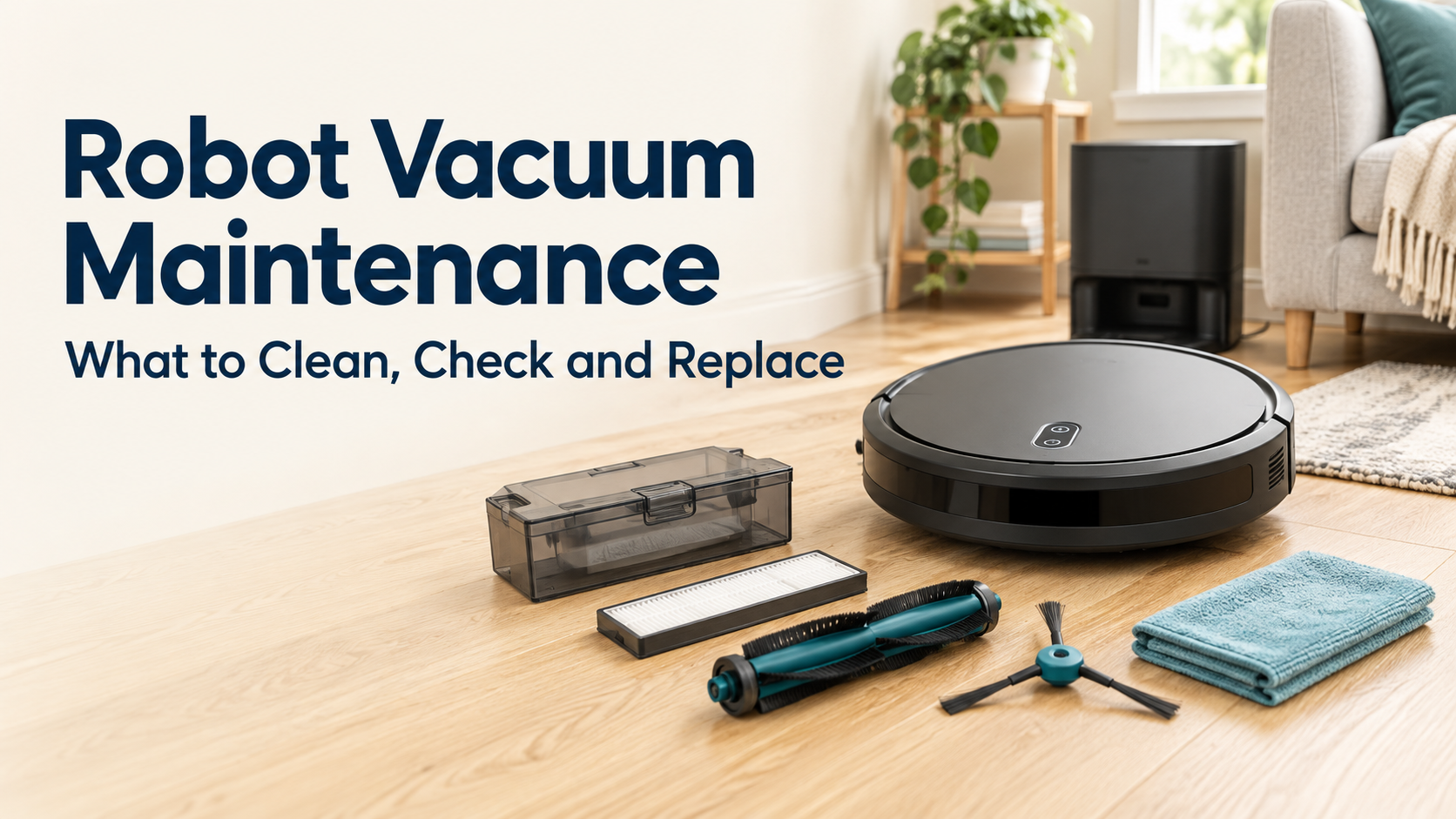
Robot vacuum maintenance comes down to one rule: follow the instructions for your exact robot, your exact component and, if you have one, your exact station. The manuals we read agree on a few basics, such as disconnecting power first and not refitting a damp filter. They differ on almost everything else: which parts can be rinsed, which tools are allowed, how long drying takes and which liquids are acceptable.
How this guide was put together: Bot ’n’ Brush has not tested these robots or carried out these procedures. This is research from manufacturer manuals and support pages, read in October 2026, covering four examples: the eufy X10 Pro Omni, the eufy Omni E25, the Dreame X50 Ultra Complete and one Roborock Q7 Series manual. The examples show why instructions differ. They are not a routine for your robot.
Robot Vacuum Maintenance Starts With the Right Manual
Start by finding the model name or number on your robot, then check whether your station has its own model and manual. Roborock’s Q7 Series manual lists the robot and its dock separately. Dreame’s X50 manual says the robot is used with specific base station models. Treat the robot and the station as two sets of instructions.
Similar names are not proof of a match. Dreame’s X50 manual lists different package contents for the X50 Ultra and the X50 Ultra Complete. Roborock publishes its Q7 Series manual in more than one edition. Where we cite it below, it is an example of that manual only, so check your own robot against the manual’s model list.
Some manuals we read were copies hosted on a retailer’s site rather than on the manufacturer’s own pages. Look for the current version on the manufacturer’s support site or UK manuals page, such as Dreame’s UK manuals index or eufy’s Omni E25 support page.
Prepare safely
Each manufacturer states its own preparation. eufy’s X10 Pro Omni manual and the Omni E25 user guide say to power off the device and unplug the power adapter before cleaning or maintaining. Roborock’s Q7 Series manual says the product must be switched off and the plug removed from the socket. Dreame’s X50 manual says the plug must be removed from the socket outlet.
Pausing a cleaning run is not the same as preparing safely. There is also no universal shutdown sequence. Roborock’s manual notes that its robot cannot be switched off while it is charging, so follow your own manual’s steps rather than a routine copied from another model.
Keep three situations apart:
- Rinsing a removable part: allowed only where your manual names that part.
- Wet-wiping a part: allowed only where it is stated. Roborock, for example, recommends a wet cloth for its main brush, but that is not permission for anything else.
- Cleaning the robot or station body: Roborock says not to rinse the robot and dock, and Dreame says not to wipe the robot or base station with a wet cloth or rinse them with any liquid. The eufy guides we read do not address this either way, so follow the instructions for your model.
A Quick Overview of What to Confirm
Being able to remove a part does not mean you may rinse it. This table shows the question to answer from your own manual before you clean each part.
| Component | Routine-care question | What to confirm before cleaning |
|---|---|---|
| Robot dust-box filter | Is it washable, and how? | Allowed method, any tool or detergent restriction, and the drying requirement |
| Station dust-compartment filter (if fitted) | Is it mentioned at all? | The exact instruction for that filter in your station’s manual |
| Disposable station bag | How is it replaced? | Your manufacturer’s replacement steps and any full indication |
| Reusable bin | May it be rinsed? | Whether the bin, or only the filter, can be washed |
| Brushes | How is hair removed? | The tool or method your manual allows |
| Wheels | Is the wheel removable and rinsable? | Which wheel your manual covers, and how |
| Sensors and charging contacts | Which cloth, and dry or damp? | The wording for your model, and any ban on liquids |
| Mop pad, cloth or roller | Wash or replace? | Whether washing is permitted at all, and how |
| Clean-water tank | What may go in it? | Approved liquids and any hot-water restriction |
| Used- or dirty-water tank | When is it emptied and cleaned? | The timing and method your manual gives |
| Cleaning tray or washboard filter | Is it removable, and is it rinsed? | Which parts your station has and how each is cleaned |
Bins, Bags and Filters
Filters are where blanket advice fails most clearly. All four examples we read allow rinsing a filter, but the details differ:
- eufy X10 Pro Omni: tap the filter, rinse the dust box and filter with water, and air dry them completely before refitting.
- eufy Omni E25: rinse the dustbin and filter with water and air-dry completely before the next use. The guide adds no further restrictions in the sections we read.
- Dreame X50 Ultra Complete: rinse the robot’s dust box and its filter with clean water only, with no detergent. Do not use a brush, a finger or sharp objects on the filter. Both parts must be completely dry before reuse.
- Roborock Q7 Series manual: remove the filter, rinse it repeatedly and tap off the dirt, then allow at least 24 hours for it to dry before reinstalling. Do not touch it with hands, brushes or sharp objects.
These permissions apply to the named parts, not the whole machine. Dreame’s no-brush, no-finger and no-sharp-object restriction concerns its robot filter, not the dust box body. The cited Roborock manual also prohibits touching its filter surface with hands, brushes or sharp objects. Its minimum drying time is at least 24 hours; the X10, E25 and Dreame instructions instead require complete drying without specifying hours. Do not transfer one model’s method or drying requirement to another.
The same Roborock manual shows why scope matters. It says not to rinse or immerse the combined dustbin and water tank unit with water, while telling you to empty the dustbin and clean it, without giving a method. The removable filter may be rinsed. That is not permission to rinse the whole unit.
For stations with bags, Dreame’s manual tells owners to discard the dust bag and fit a new one. The X10 and E25 stations also use disposable bags, but the sections of their guides we read do not give bag-change steps or a bag-full indicator, so use your own manual and app. For more on whether a station suits you, see our self-emptying robot vacuum guide.
Brushes, Wheels, Sensors and Contacts
Brush care is another place where manufacturers differ. The X10 manual names scissors for its rolling brush. Dreame supplies its own cleaning tool for hair, and the E25 and Roborock manuals name no tool. We are not repeating cutting steps here. Use only what your manual specifies.
Cleaning the brush itself also varies. The X10 and E25 guides say to rinse the brush and guard with running water and air dry them completely. Roborock’s manual recommends wiping its main brush with a wet cloth, air-drying it out of direct sunlight if soaked, and not using corrosive cleaning fluid or disinfectant on it. Anti-tangle designs do not remove this task: the X10 and E25 guides both include brush care. If you share your home with pets, our pet hair guide covers which robots cope best.
Wheels are model-specific too. Roborock’s manual treats the main wheels (soft dry cloth) differently from the front omnidirectional wheel, and Dreame describes only its omnidirectional wheel. Both involve removing a small part with a tool. If your manual does not describe a wheel procedure, do not improvise one.
For sensors and charging contacts, the wording matters:
- eufy says to dust off sensors and charging pins with a soft cloth.
- Roborock says to use a soft, dry cloth, and not to use cleaning fluids or sprays on its sensors.
- Dreame says to use a soft, dry cloth, warns that a wet cloth can damage sensitive elements, and says not to use a wet cloth or wet hands on the station’s charging contacts.
Do not cover or disable a sensor to get round a problem.
Mops, Tanks and the Station’s Wet Area
Pads, cloths and rollers are different parts, so do not transfer one instruction to another. Roborock’s Q7 Series manual tells you to wash the mop cloth and air-dry it. After mopping it says to empty the water tank, wash the cloth and air-dry both to prevent odours. It does not say how to wash the cloth, so do not assume detergent, hot water or a washing machine is acceptable. The X10 and Dreame manuals we read describe replacing their pads but give no washing steps, and a missing instruction is not permission. The E25 uses a roller mop, and the guide sections we read give no roller-care steps, so we are not offering any. Check your roller’s own instructions.
Self-cleaning stations still leave work:
- eufy X10 and E25: both guides describe removing the dirty-water tank, emptying it and rinsing it thoroughly with running water. Their timing differs: the X10 manual says to clean the tank when cleaning finishes and to empty and clean it when full; the E25 guide says to empty and clean it regularly. Both give mildew or unpleasant smells as the reason.
- Cleaning tray: the X10 guide says to rinse it with water. The E25 guide says to rinse it and clean it with a brush, so even two eufy models differ.
- E25 drying: the guide says to activate the drying function after each mopping task.
- Dreame: clean the used-water tank after the robot completes its task, rinsing with clean water. After mop pad cleaning, remove the washboard filter and rinse it with clean water. These are separate parts from the clean-water tank.
Cleaning-liquid instructions are also system-specific. Roborock’s manual says not to use disinfectant and to use only cleaning solution it recommends. Dreame’s manual says no alcohol or disinfectant, no hot water in the clean-water tank, and no liquid other than its officially approved solution in the auto-detergent compartment. The X10 manual text we read gives no liquid rule, so check before adding anything. None of the manuals we read recommends vinegar, bleach or household cleaners. We have not tested other products and cannot say every one would cause damage, but the sensible route is the liquid your manufacturer names.
Reminders and Replacement Decisions
Keep three ideas apart: how often to clean or replace, how long a washed part must dry, and what to do after a particular event. eufy and Dreame both say frequency depends on how you use the robot.
The eufy X10 Pro Omni manual’s table gives a weekly clean for the dust box and filter and a filter replacement every 3 to 6 months. It also lists the side brush for replacement every 3 to 6 months or when visibly worn. Those figures belong to that robot, and they are not a timetable for yours. Drying is separate: the cited X10, E25 and Dreame instructions require complete drying without specifying hours, while the cited Roborock Q7 Series manual requires at least 24 hours for its filter. Event-based examples include cleaning a tank after a run, emptying it when full or using the drying function after mopping.
App reminders are a prompt, not proof. Dreame’s manual points owners to accessory usage in the app as well as its own table, but a counter does not show that a part is physically worn. We found no verified counter-reset steps, so follow your own app or manual.
When replacing a part, match the exact component and model, and check the compatibility stated for your robot. Similar names, such as Ultra and Ultra Complete, can describe different kits. We make no claim that third-party parts are unsafe or that they affect a warranty, and no maintenance interval promises a particular lifespan or saving.
When Routine Care Should Stop
Routine care is for a robot that works. Stop and contact the manufacturer if you find damage or a problem the manual does not cover:
- Roborock says not to operate a damaged product and to contact customer service.
- Dreame says to stop using the product if the power cord is damaged and contact after-sales, and not to disassemble, repair or modify the battery or base station.
- eufy’s X10 and E25 guides say other servicing should be done by an authorised service representative, and warn that vacuuming large amounts of water can damage the device.
If your robot is already misbehaving, go to our robot vacuum troubleshooting guide, which covers faults and the wider warning signs for stopping use. Do not open housings, work on batteries or attempt electrical repairs yourself.
3 thoughts on “Robot Vacuum Maintenance: What to Clean, Check and Replace”
Comments are closed.